

What you will accomplish
- Create a read-only key
- Separate development and production credentials
- Store and inject secrets safely
- Rotate or revoke a compromised key
Before you begin
- A registered Quote.Trade account
- Access to API Management
- A password manager or server-side secret manager
Open the current API Management page
Use the authenticated Quote.Trade application and open API Management. Interface labels can change, so follow the permissions shown in the live application and do not enable capabilities the integration does not need.
Create the key and label it safely
In API Management, use Create API to generate the key. If the interface does not offer a display-name field, assign a descriptive label such as market-monitor-prod in your password manager or secret manager.
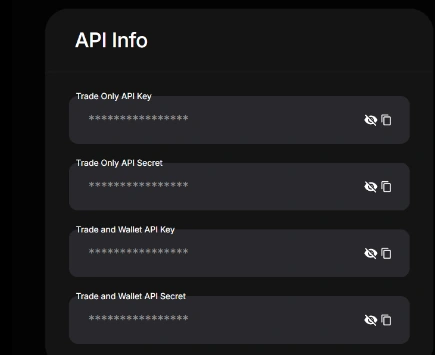
Keep the default read-only restriction
Quote.Trade documentation says new keys default to Enable Reading. Validate public/account reads before enabling trading. A read-only key does not authorize withdrawal; when automation genuinely needs it, use the dedicated preview/live withdrawal workflow and require request-specific approval.
Store key and secret outside browsers and prompts
Use a server-side secret manager, least-privilege service identity, audit logging, and rotation. Never commit the secret or paste it into a chat.
Test and rotate
Test only the permitted endpoint set. Rotate after suspected exposure, personnel changes, environment changes, or a material integration incident.
Common problems and fixes
The key was committed to Git
Revoke it immediately, purge the secret from history where practical, rotate, and review access logs and orders.
A browser app needs the secret
Move private calls to a backend service. A browser cannot safely hold a long-lived trading secret.
The key cannot place orders
That is expected for a read-only key. Complete the review and controlled permission process rather than broadening access casually.